A multi-device subscription is the plan for a household, and the single-device plan is the plan for a person. The difference is not the channels, the quality or the movies — those are set by the tier, Basic or Premium, and they are the same on every size. The difference is the number of screens that can play at the same moment, and the price of each extra screen. This guide explains the multi-device plans in full: the prices, the per-screen cost, how the limit works, how to set up each device, and how to upgrade when the household grows, so the plan fits the house on the first try instead of the third.
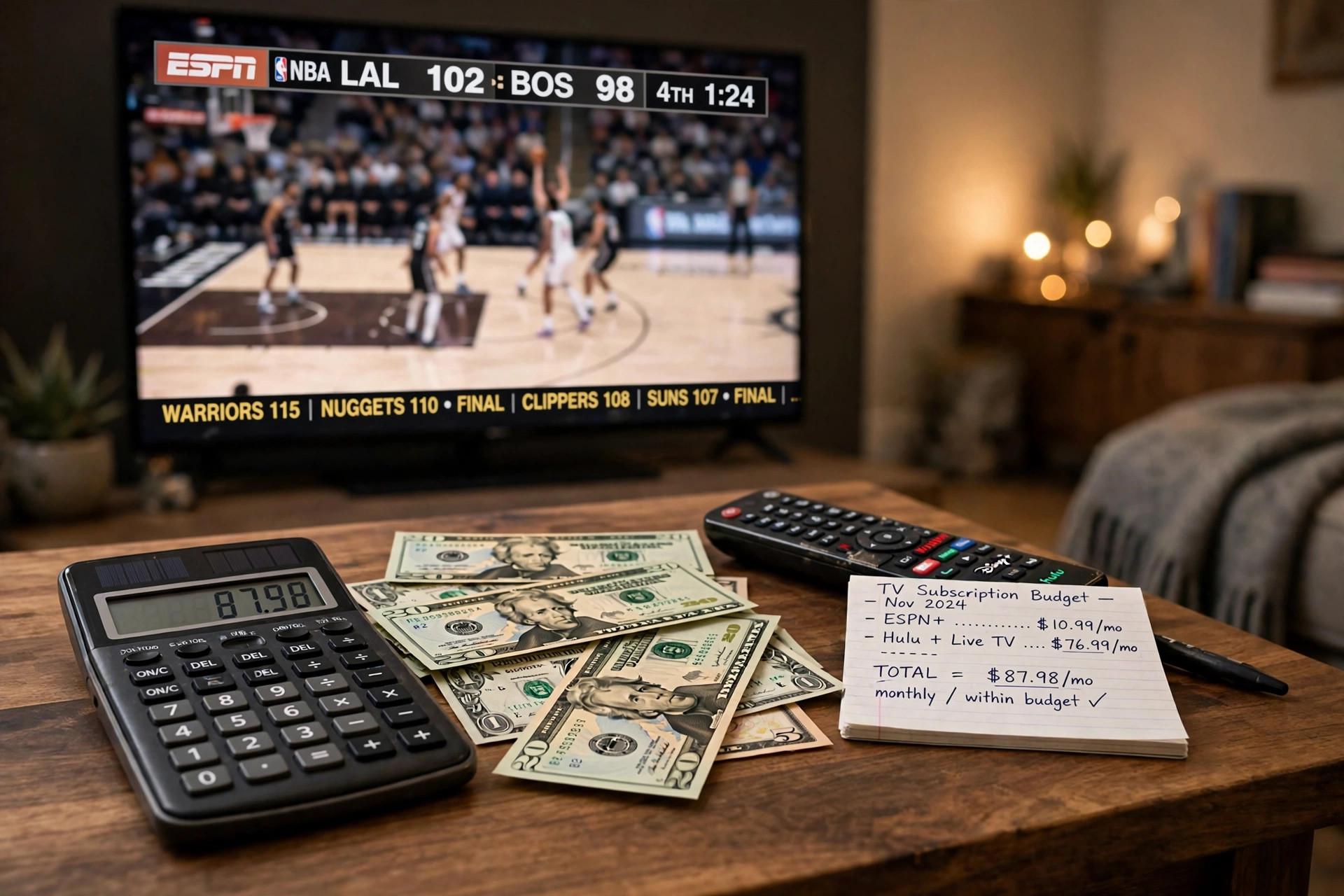
The prices are the starting point, and they are published on the plans page for both tiers. Premium for two devices is $159.99 a year, three devices $224.99, four devices $269.99. Basic for two devices is $109.99 a year, three devices $159.99, four devices $199.99. The second Premium device costs $60 a year on top of the $99.99 single-device year. The third costs $65 more. The fourth costs $45 more. Per device, the four-device Premium year is $67.50, or $5.62 a month each. The monthly plans are single-device only, which is worth knowing before a household buys a month to test: the month tests the service, and the year carries the household.
How simultaneous streams work
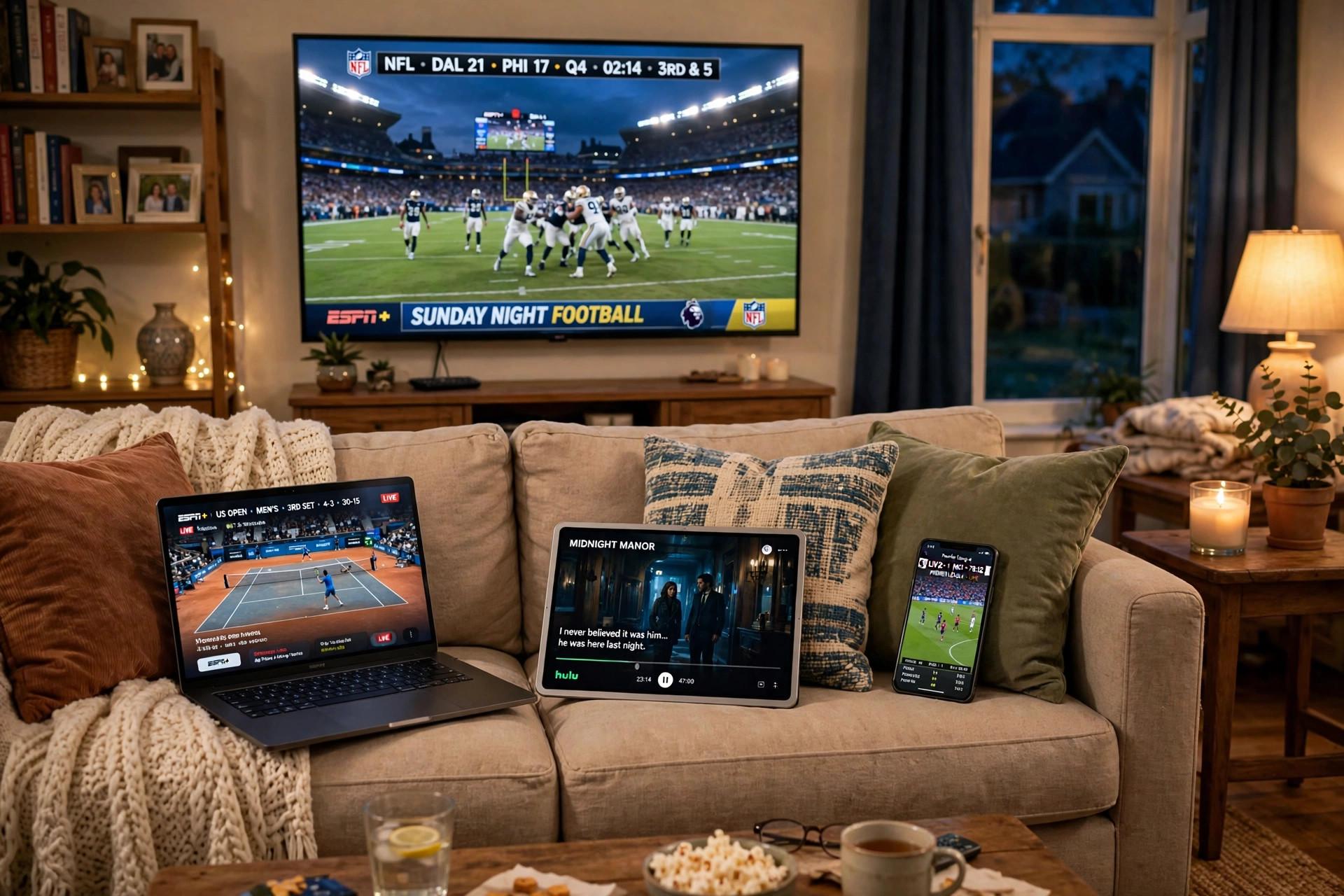
The limit counts streams, not installs. Install the app on the living room TV, the bedroom Firestick, a tablet and a phone, all with the same login, and the plan counts only the screens that are playing at the same moment. One screen playing uses one slot. Two screens playing use two. If the plan covers two and a third screen presses play, the third screen shows a device-limit message and cannot start until one of the others stops. It is not a fault and it is not a ban. It is the plan doing what the plan says, and the fix is to close the app on the screen nobody is watching.
A stream that is paused still counts, because the connection is held open, and an app left open on the home screen can hold a slot long after the viewer has walked away. On a Firestick, pressing Home leaves the app running in the background, so use the back button or force-stop the app to free the slot properly. If the limit message appears and nobody in the house is watching, a stream is almost certainly paused or running in the background somewhere — a phone in a pocket, a laptop with the lid shut, a Firestick left on. Close the app properly on the suspect device and the slot frees up straight away. If it stays stuck, support can see the active streams on the account and release the stuck one from their side. The how many devices guide explains the limit in detail, including the stuck-slot fix.
Setting up a multi-device plan, device by device
Install the app on every screen first, while the free trial is running, so no device needs setting up on a busy evening. The living room TV takes the main login first, and it is tested through a full evening before anything else moves. The bedroom Firestick takes the same login second, and it is tested with a movie night in 4K. The tablet and the phone take the same login last, through IPTV Smarters Pro from the app store. The app differs by device — IBO Pro Player on Firestick, TiviMate on Android TV, IPTV Smarters Pro on phones and computers — but the login is the same everywhere, and the playlist, the guide and the favorites load by themselves once the details are entered.
- Living room TV first: the main screen, tested through a full evening before anything else moves.
- Bedroom TV second: same login, tested with a movie in 4K and the guide checked against the real schedule.
- Tablets and phones last: IPTV Smarters Pro, same login, favorites set to the channels each person watches.
- Keep a note of which device holds which slot, so a limit message can be traced to a screen in seconds.
Each device keeps its own favorites and its own place in a series, because the app tracks progress on the device, not on the account. The living room TV remembers where the adults left off in a series, while the bedroom Firestick remembers where the teenager left off, and neither disturbs the other. The guide is the same everywhere, with times in the local time zone, and the search box works the same on every screen. The installation guide gives the five steps for each of the 13 supported devices, and the team installs the service remotely for free if the household sends the device details on WhatsApp, so the setup costs an evening, not a weekend.
Upgrading the device count when the household grows
A household grows, and the plan grows with it. A teenager gets a Firestick for a birthday, a grandparent moves in, a second TV appears in the bedroom, and the two-device plan that was enough last year is one screen short. Upgrading is a message on WhatsApp: say the plan needs another device, and the team adds it, charging the extra for the rest of the year only, not for a whole new year. The step from two Premium devices at $159.99 to three at $224.99 is $65 a year, and the step from three to four at $269.99 is $45 a year. The login stays the same, the playlist stays the same, and nothing needs reinstalling.
Downgrading works the same way, in the other direction, at the next renewal. A household whose children have left home, or whose second TV is rarely used, can drop from four devices to two at renewal, and the price falls with it. The change is made before the renewal date, confirmed in writing, and the new price applies from the next period. Mid-period downgrades wait for the renewal, because the devices already paid for are paid for until the year ends. The renewal guide explains the timing, including the two-day margin before the renewal date and the way to change the plan without losing a day.
Two TVs, two games: the multi-device household
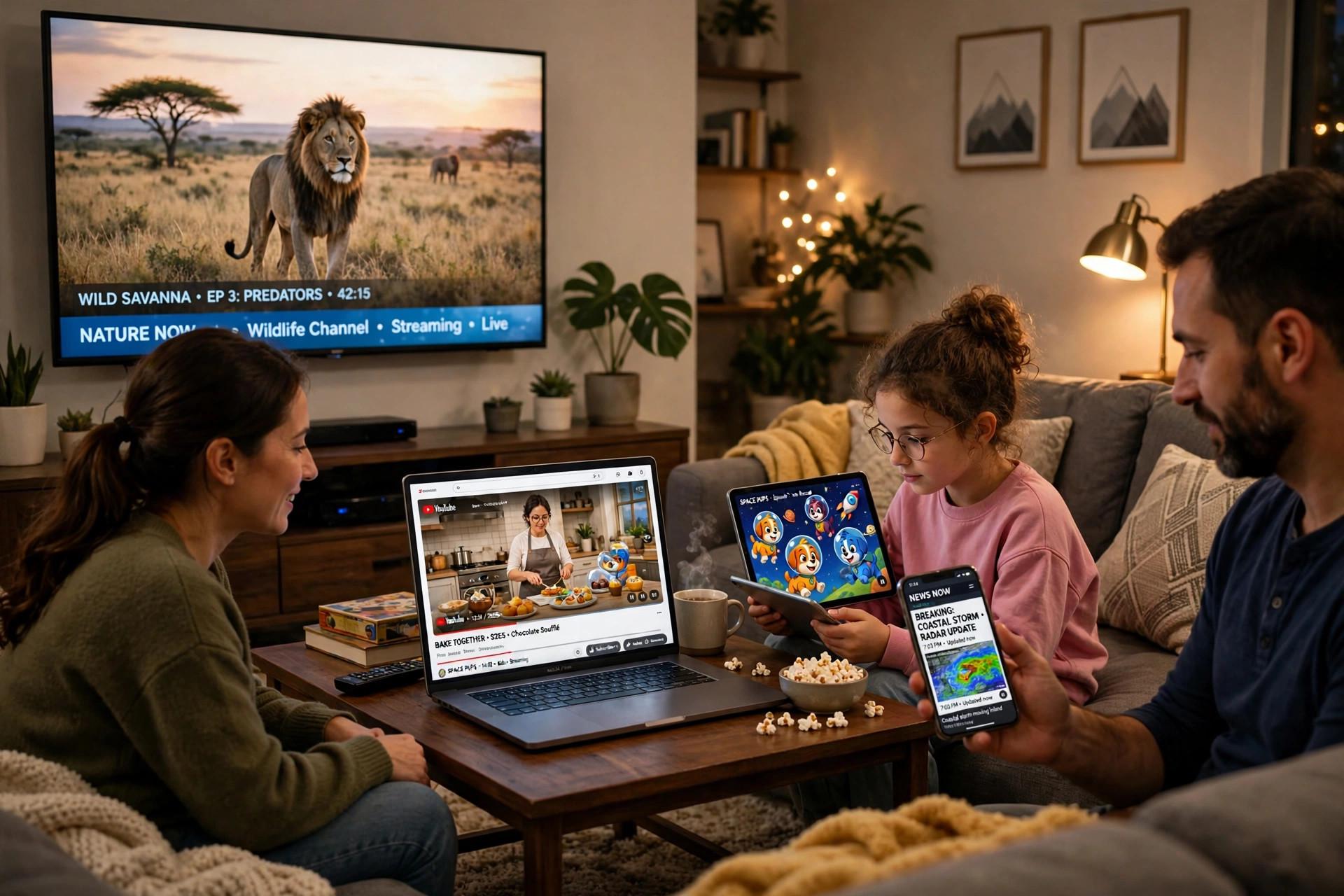
The household that needs multi-device most is the one with two fans. One watches the NFL on FOX in the living room, the other watches the NBA on ESPN in the bedroom, and both games are on at the same time. A single-device plan forces a choice, and the choice is an argument. A two-device plan at $159.99 a year ends it: two screens, two games, no negotiation. The same applies to the Super Bowl and the movie night, the Premier League on Saturday morning and the cartoons on the tablet, the news in the kitchen and the series in the bedroom. The plan is not buying extra TV. It is buying the end of the argument about whose turn it is.
The internet has to carry the household, and the number is simple: one 4K stream needs a steady 25 Mbps, two need 50, four need 100. Most cable and fiber plans deliver that, but the speed at the router is not the speed at the TV. A wired Ethernet cable to the main TV keeps the busiest stream stable when the other screens are playing, and the tablets can run in HD, where the small screen hides the difference. The player apps let each device pick its quality, so the main TV runs in 4K while the tablet runs in HD, and the total load drops by half. The 12-month plan guide covers the yearly household value in full, including the per-person cost across the year.
Managing devices and keeping the plan tidy
A tidy multi-device plan has three habits. First, a list of the devices on the account, with the room each one is in, so a limit message can be traced to a screen in seconds. Second, a proper close on every device: the back button or force-stop, not just the TV power button, so a slot is freed when the viewing ends. Third, a check of the plan size twice a year: count the screens that played at the same time on the busiest evening of the last month, and compare it with the plan. If the count is below the plan, the household is paying for a screen it does not use, and the renewal is the time to drop a device. If the count is above the plan, the household is one argument away from a limit message, and the upgrade is worth the $45 or $65.
Sharing the login outside the household is the habit to avoid. A subscription is sold for one household, and sharing it with friends in other houses breaks the terms and can get the line suspended. The reseller program exists for people who want to supply friends and neighbours properly: credits start at $20 for 12 Basic credits and $40 for 12 Premium credits, with a minimum order of 120 credits, and each credit becomes a proper one-month line for one device. If a friend asks for the login, point them at the trial instead — the reseller page explains the proper way to share, and the trial costs them nothing.
Which multi-device plan is right for you?
Count the screens that play at the same time on a busy evening, and buy the plan that covers the highest number in the last week. One screen needs the single-device year at $99.99 for Premium. Two screens need $159.99. Three need $224.99. Four need $269.99. If the count is borderline — two screens most nights, three on a Friday — buy the plan that covers the busiest night, because a plan that is one device short fails exactly on the nights that matter. The step up is $45 to $65 a year, or $3.75 to $5.42 a month, and it buys the end of every argument about the remote. That is cheap peace in a household, and it is the reason the multi-device plans exist.