Renewal is the part of a subscription that people forget about until the bank statement arrives, and the surprise is never pleasant. A renewal is not a new purchase. It is the same plan, at the same price, charged again when the time you paid for runs out. The rules that govern it are simple — the date, the price, the card, and the way to stop it — and this guide explains all four, so that no renewal ever catches you by surprise, and so that stopping one is a message, not a fight.
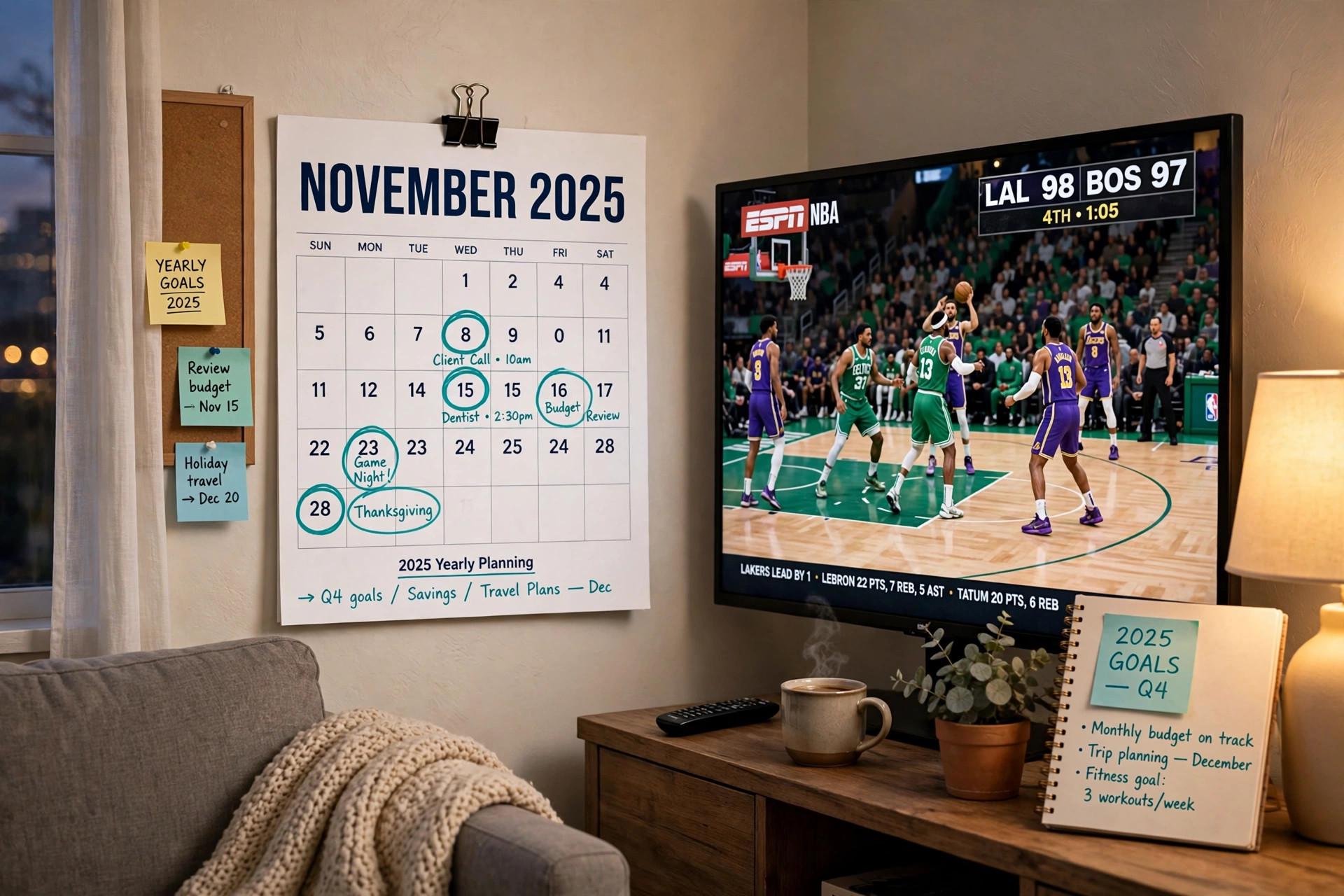
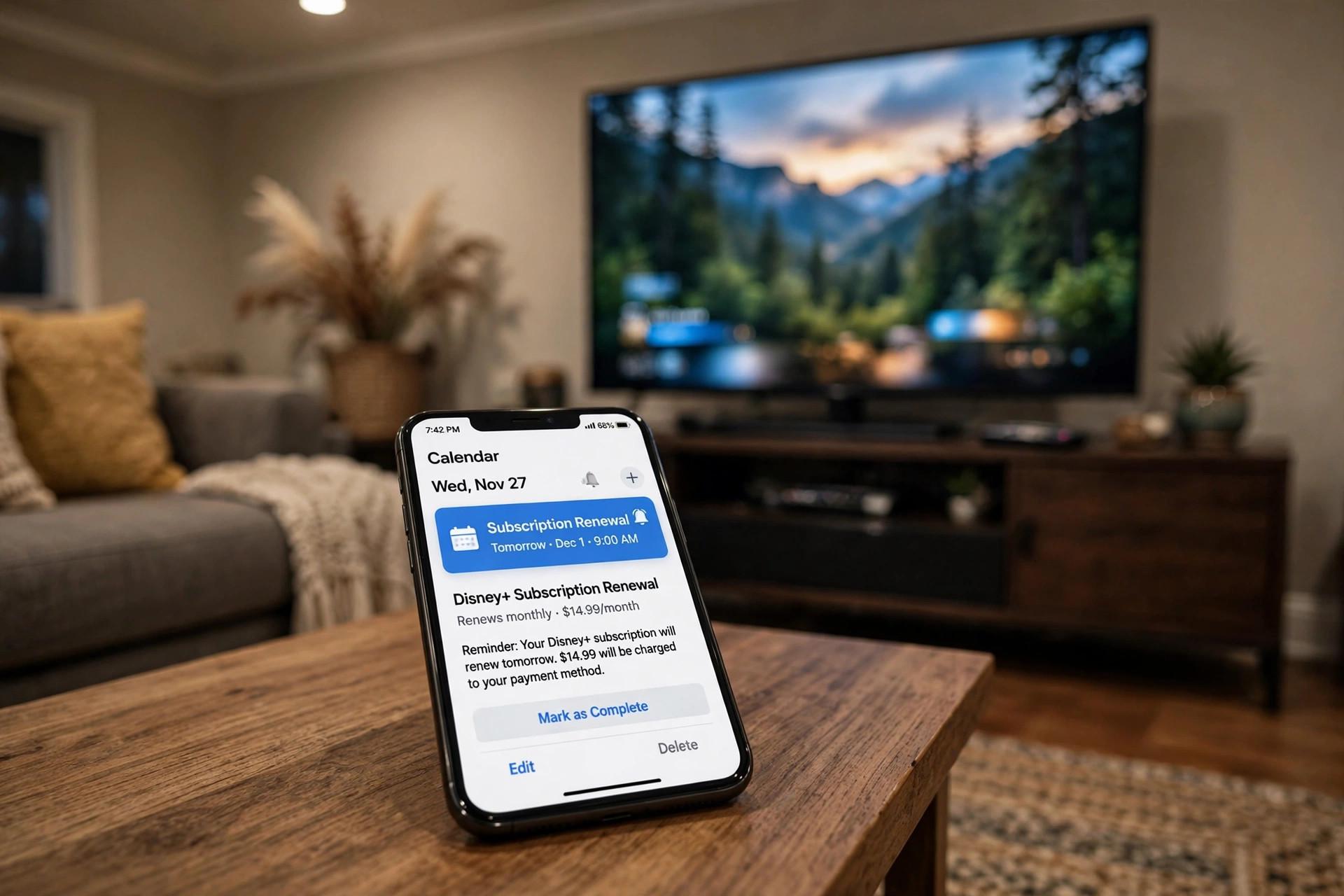
The renewal date is the date you paid, not the first of the month. A monthly plan bought on the 14th renews on the 14th of every month. A yearly plan bought on the 14th of March renews on the 14th of March next year. The date is on the receipt from Stripe, in the confirmation message on WhatsApp, and on the bank statement, and all three show the same day. Write it down when you buy, or set a reminder two days before it. A renewal that is expected is a renewal that can be managed. A renewal that is forgotten is the one that causes the argument.
When each plan renews
Monthly plans renew every 30 days from the purchase date. Three-month plans renew every three months, six-month plans every six months, and yearly plans every twelve months. The renewal is for the same plan and the same length: a monthly Premium plan renews as a monthly Premium plan at $19.99, and a yearly Premium plan renews as a yearly Premium plan at $99.99. The plan does not change itself, the tier does not change itself, and the device count does not change itself. If you want a different plan at renewal — a year instead of a month, Premium instead of Basic, two devices instead of one — message support before the renewal date, and the change is made for the next period.
| Plan | Renews every | Renewal price |
|---|---|---|
| Basic 1 month | 30 days | $14.99 |
| Premium 1 month | 30 days | $19.99 |
| Basic 3 months | 3 months | $24.99 |
| Premium 3 months | 3 months | $49.99 |
| Basic 12 months | 12 months | $59.99 |
| Premium 12 months | 12 months | $99.99 |
| Premium 12 months, 2 devices | 12 months | $159.99 |
| Premium 12 months, 4 devices | 12 months | $269.99 |
The renewal price is the price you signed up at, and it does not rise quietly. Premium yearly renews at $99.99, the same price as the first year, and Basic yearly renews at $59.99. If the price ever changes, you are told before the renewal, with the new price and the date it takes effect, so the decision to stay or leave is made with the facts. A provider that raises the price without telling you is a provider that has broken the deal, and the bank can reverse a charge that was taken without notice. The cost guide lists every current price, so any renewal charge can be checked against the published list in seconds.
How the renewal is charged
The renewal is charged to the same card that paid for the plan, through Stripe, in US dollars. The charge appears on the bank statement with the same name as the first payment, so it is easy to recognise. The charge happens on the renewal date, not before it, and the service continues without a gap: the new period starts the moment the old one ends, and the login never stops working. If the card has expired since the last payment, the renewal fails, the service stops at the end of the paid time, and support messages you to update the card. That is a safety net, not a fault — a failed renewal is better than a charge on a card you no longer use.
Updating the card is a message on WhatsApp, not a form. Say the card has changed, and the team sends a payment link for the renewal, through Stripe, where the new card details are entered. The new card is used for that renewal and for the ones after it, until it changes again. Never send card details in a chat message, and never read the full card number to anyone. Stripe is the only place the number should ever be typed. The payment methods guide explains how card payments work here, and why a card through a processor is the safe way to pay for any subscription.
How to stop a renewal
Message support on WhatsApp at least two days before the renewal date, and say you want the renewal cancelled, with the account name included. The team replies with a confirmation that the renewal is cancelled and the date the service will stop. Keep that reply, because it is the record. The service runs until the paid time ends, then stops, and the card is not charged again. There is no fee for cancelling, no form to fill in, and no phone call to make. The two-day margin matters: a cancellation sent on the renewal day itself can land after the charge has already gone through, and the money for the next month or year is spent.
- Check the renewal date on the receipt or the bank statement before you message.
- Cancel at least two days before the date, so a slow reply cannot push a renewal through.
- Ask for the confirmation in writing, with the date the service will stop.
- Check the next bank statement to confirm no further charge appears.
Stopping a renewal is not the same as asking for a refund, and the two should not be confused. Stopping the renewal ends future charges. A refund returns money already paid, and it applies when the service does not work and support cannot fix it, within 7 days on short plans and 30 days on yearly plans. A household that cancels the renewal on day 40 of a yearly plan stops the next year, but the current year runs to its end and is not refunded. A household that reports a fault on day 20 of a yearly plan, and the fault cannot be fixed, gets the money back. The refund policy guide explains the difference in full, and the cancellation guide covers the steps in detail.
Changing the plan at renewal
Renewal is the natural moment to change the plan, because the change takes effect for the next period without losing a day. A household that started on monthly Premium at $19.99 and now wants the year can switch to $99.99 at renewal, and the saving of $139.89 starts from that day. A household that started on Basic and now wants the sports and the 4K can move to Premium at renewal, and the new tier starts the next day. A household that needs a second device can move to the two-device year at $159.99. Message support before the renewal date with the change, and the team confirms the new price in writing, so the renewal charge matches the plan you asked for.
Changing mid-period works differently, and it is worth knowing before you ask. A change in the middle of a month or a year is applied from the next period, or the unused days are credited against the new plan, depending on the change. An upgrade from Basic to Premium mid-month usually starts straight away, with the price difference charged for the rest of the month. A downgrade from Premium to Basic usually waits for the next period, because the Premium time is already paid for. Ask support to confirm the timing and the price in writing before the change is made, so there is no surprise on the statement. The monthly vs yearly guide covers the switch between lengths, and the plans page shows every price the change can land on.
What happens if a renewal fails
A renewal fails for one of three reasons: the card has expired, the bank blocked the charge, or the card has reached its limit. The service stops at the end of the paid time, and support messages you to update the card. The login does not vanish: the account stays, the favorites stay on the devices, and the playlist reloads the moment the new payment clears. The gap is usually a day or two, while the new card is sorted out, and the fix is a message and a payment link. If the renewal fails on a Friday and the game is on Saturday, message support straight away, because a manual payment through Stripe can restart the service within minutes, even outside the automatic renewal.
A failed renewal is not a ban, a suspension, or a punishment. It is a payment that did not go through, and it is fixed by paying. The account is not deleted, the login is not changed, and there is no fee for restarting. If the card keeps failing, try a different card, or ask support about the other methods confirmed on WhatsApp. And if the renewal failed because the bank blocked the charge as unusual, call the bank and say the charge is yours, so the next renewal goes through without a block. Banks block first-time charges to a new seller more often than people expect, and a two-minute call clears it for good.
Renewal mistakes that cost an extra month
The first mistake is not knowing the date. A renewal date that is not written down is a renewal date that is missed, and a missed date is a charge for a month or a year that was not wanted. Write the date down when you buy, set a reminder two days before it, and check the statement the day after it. The second mistake is cancelling on the renewal day itself, when a slow reply can let the charge through. The third mistake is assuming the renewal price is the first-month price: a plan bought on a discount renews at the standard price unless the discount is stated to continue, so check the renewal price in writing before the first renewal.
The fourth mistake is letting a yearly plan renew when the house no longer watches. A year plan bought with enthusiasm in January, and forgotten by July, renews the next January for another $99.99, and the household pays for a year it does not use. The defence is a calendar reminder two weeks before the yearly renewal, with a plain question: did we watch this year? If the answer is yes, let it renew. If the answer is no, cancel it, and buy a month when the next season starts. A subscription is a service, not a habit, and the renewal date is the moment to ask whether the service is still earning its price. The multi-device guide covers the household check, including the device count, so the renewal decision can be made with the real numbers in front of you.