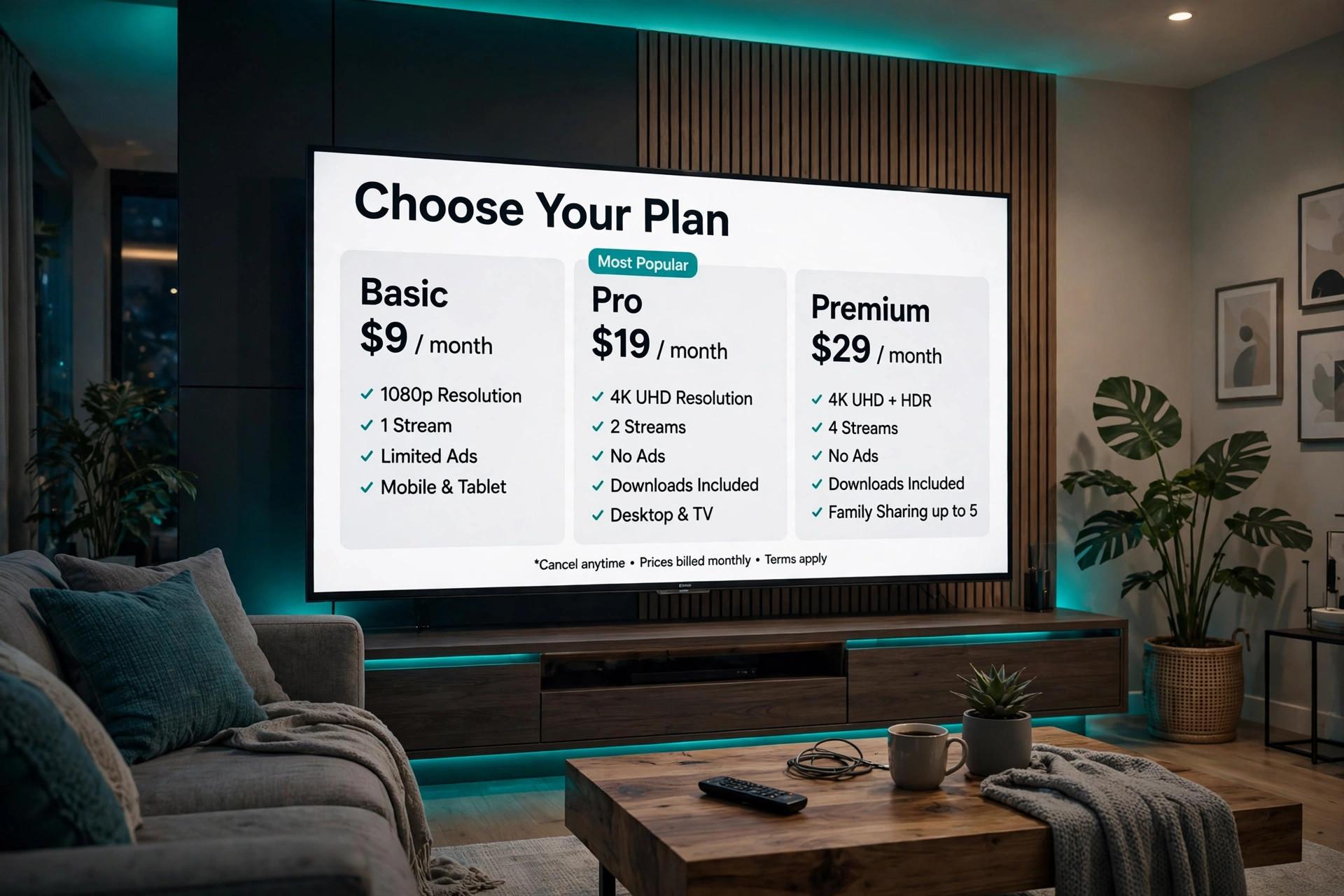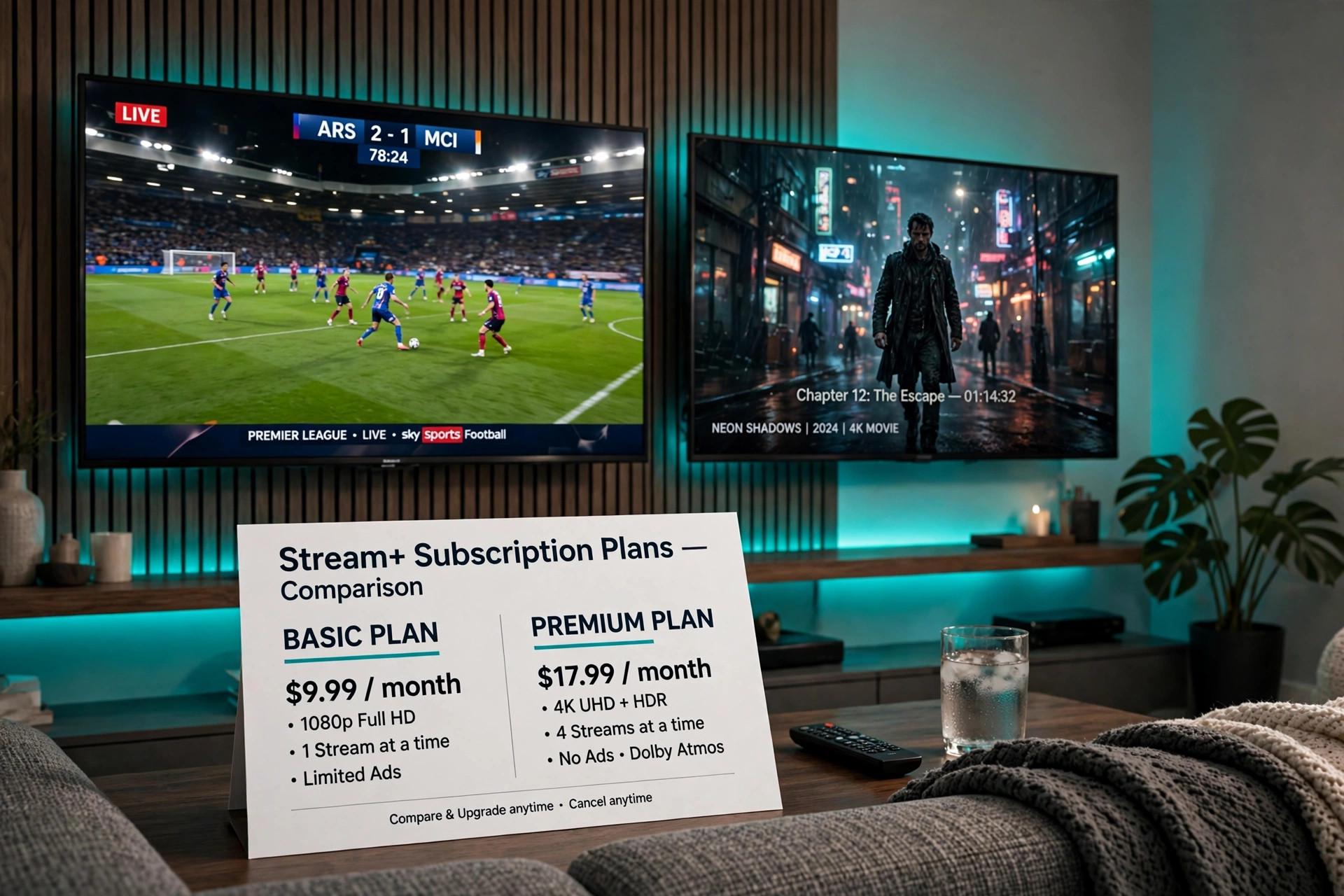
Choosing between two plans should take five minutes, but providers make it harder than it needs to be, with feature lists that hide the important differences behind long words. The truth is simple: the plans differ in four things — how many channels you get, how sharp the picture is, whether the big sports and pay-per-view events are included, and how many devices can watch at once. Everything else, from the free trial to the WhatsApp support, is the same on both. This guide puts the two plans side by side, with the real prices and the real trade-offs, so you can pick once and stop thinking about it.
Start with the trial, whichever plan you are leaning toward. The free 24-hour trial runs on Premium, so you see the full service first, and then you can decide whether Basic would have been enough. Watch the channels you actually care about: ABC and NBC for the news, ESPN for the game, a movie in 4K after dinner. If the only channels you ever open are the big networks and a few movie channels, Basic will do. If you open a sports channel every night, or you watch in 4K, Premium is the plan. The plans page shows both tiers with a switch, so you can flip between them and see every price change.
Basic vs Premium: the full comparison
Here is the whole comparison in one place. The numbers are the ones that matter: channels, movies and series, picture quality, sports, and price. Read the sports row twice, because that is where most people make the wrong choice. Basic covers the big American leagues — NFL, NBA, Premier League and Champions League — but Premium adds everything else: every pay-per-view night, every out-of-market game, and the full set of sports channels. If you have ever paid $79.99 for a single UFC pay-per-view night, Premium pays for itself the first time you watch one without paying extra.
| Feature | Basic | Premium |
|---|---|---|
| Live channels | 10,000+ | 57,000+ |
| Movies & series (VOD) | 80,000 | 185,000 |
| Quality | HD / FHD | HD / FHD / 4K / 8K |
| Sports & PPV | NFL / NBA / Premier League / Champions League | All sports & PPV |
| Adult 18+ | No | Optional |
| 1 month | $14.99 | $19.99 |
| 12 months | $59.99 | $99.99 |
| 12 months, 2 devices | $109.99 | $159.99 |
| 12 months, 4 devices | $199.99 | $269.99 |
The price gap is $5 a month, $40 a year, and $50 a year on the two-device plan. That is the cost of the extra 47,000 channels, the 4K and 8K streams, the pay-per-view calendar and the optional adult section. For a household that watches one game a week and a movie on Friday, the gap is small and the extra is worth it. For a household that only watches the evening news and a couple of series, Basic keeps $40 a year in the pocket and loses nothing they would miss. The wrong choice is not picking Basic. The wrong choice is picking Basic, then paying $79.99 for a pay-per-view night that Premium would have included. The cost guide puts those same prices against cable, so the saving is visible in dollars.
Channels: 10,000 vs 57,000 — does the number matter?
Ten thousand channels sounds like plenty, and for most people it is. Basic covers the channels an American household actually opens: ABC, NBC, CBS, FOX, ESPN, ESPN2, FS1, TNT, TBS, CNN, MSNBC, AMC, FX, HBO, Showtime, Discovery, HGTV, Food Network, Nickelodeon and Cartoon Network, plus the local affiliates that carry the news and the games. If your viewing fits inside that list, the extra 47,000 channels on Premium are channels you will never open, and paying for them makes no sense. But the count is about more than the big names. Premium adds the international channels, the regional sports networks, the out-of-market feeds and the niche channels — the Spanish-language channels from Univision and Telemundo, the UK channels for Premier League pre-game shows, and the local feeds that carry a game blacked out on the national channel.
The practical test is your own remote. Write down the ten channels you opened last week. If all ten are big American networks, Basic covers you. If the list includes a regional sports network, a channel from another country, or a pay-per-view event, Premium is the plan. A household with family in another country, or with a fan who follows a team whose games are not on the national channels, will feel the difference on the first weekend. A household that watches the same ten channels every night will not feel it at all. The channel count only matters when the channel you want is the one that is missing.
Picture quality: HD, Full HD, 4K and 8K
Basic streams in HD and Full HD, which is 720p and 1080p. On a 55-inch TV watched from a sofa, Full HD looks clean and sharp, and most viewers cannot tell it from 4K at that distance. Premium adds 4K and 8K streams, which is 2160p and beyond, and the difference shows on a big screen: a 65-inch or 75-inch TV in a dark room, a nature documentary, a movie night with the lights off. It also shows on a fast game: a 4K stream of an NFL game on FOX keeps the ball sharp when the camera follows a long pass, where a lower-resolution stream can smear. But 4K needs two things Basic does not: a TV that can show it, and internet that can carry it — a steady 25 Mbps for one 4K stream.
If your TV is a 43-inch set from five years ago, or your internet is a 25 Mbps line shared by the whole house, Premium's 4K will not reach your eyes, and Basic will look exactly the same for $5 less a month. If you bought a 65-inch 4K TV last year and you have fiber internet, Premium is the plan that lets the TV do what you paid for. The honest check is the trial: start it, open a 4K movie, and look at the picture from your sofa. If you can see the difference, pay for Premium. If you cannot, keep the $40 a year. Either way, both plans stream the same channels in HD, so the news on CNN and the game on ESPN look the same on both tiers.
Sports and pay-per-view: where Premium earns its price
Sports is the clearest reason to pick Premium. Basic covers the leagues most Americans follow — NFL on FOX, CBS and NBC, NBA on ESPN and TNT, Premier League and Champions League — and for many fans that is enough. Premium covers all of it: every NFL game including the out-of-market ones on NFL Network, every NBA game, MLB on MLB Network, NHL on NHL Network, every Premier League match including the early Saturday kick-offs, and every UFC and boxing pay-per-view night without an extra charge. A single UFC pay-per-view costs $79.99 on its own. Two of them in a year cost more than the whole $40 gap between Basic and Premium for the year.
The pay-per-view point is the one that changes the math for fight fans. A household that watches three UFC nights a year would pay $239.97 buying them one by one. On Premium, those three nights are included in the $99.99 year, along with every other channel and movie. Even a household that watches one pay-per-view night a year saves money on Premium: $79.99 for the night plus $59.99 for Basic is $139.98, against $99.99 for Premium with the night included. If you never watch pay-per-view and you never miss a game that is on the national channels, Basic is the right plan and the saving is real. If you watch even one big fight night, Premium has already paid for itself.
Devices and multi-device plans
Both plans cover one device at the monthly price, and both offer yearly plans for two, three or four devices watching at the same time. Basic for two devices is $109.99 a year, three devices $159.99, four devices $199.99. Premium for two devices is $159.99 a year, three devices $224.99, four devices $269.99. The per-device cost falls as you add screens: Premium for four devices is $67.50 per device per year, or $5.62 a month each. A family with a living room TV, a bedroom TV, a teenager's Firestick and a tablet on the train can run all four on one Premium plan for less than a single month of cable.
The device rule that catches people out is simultaneous use. One device means one screen at a time: if you are watching the game in the living room and someone else opens a movie on a tablet, the second screen needs a two-device plan. The app will tell you, politely, that the limit is reached. It is not a fault, it is the plan doing what the plan says. If your household has two people who watch at the same time most nights, buy the two-device plan from the start rather than paying for one device and fighting over the remote. The multi-device guide walks through the household math in detail, including the per-person cost.
Which plan should you pick?
- Pick Basic if you watch the big networks, a few series and the odd game, your TV is under 55 inches, and you never buy pay-per-view. You save $40 a year and miss nothing.
- Pick Premium if you watch sport most nights, you own a 4K TV, you watch pay-per-view, or your family watches channels from other countries. The $5 a month buys the parts you will actually use.
- Pick Premium for two or more devices if two people in the house watch at the same time. The two-device year at $159.99 is cheaper than two separate years.
- Still unsure? Take the free 24-hour trial on Premium, then decide. The trial shows you the full service, so the choice is made with your own eyes.
There is no wrong answer between these two plans, only a wrong way to choose: picking by price alone without checking what you watch. A $5 saving that costs you the game you wanted to see is not a saving. A $5 extra that buys channels you never open is not value either. Spend one evening on the trial, write down what you watched, and the right plan picks itself. And if you pick wrong, switching is a message on WhatsApp, not a new installation: the plan changes on the account, your login stays the same, and the new tier starts from the next billing date. The monthly vs yearly guide covers the length decision once the tier is settled.